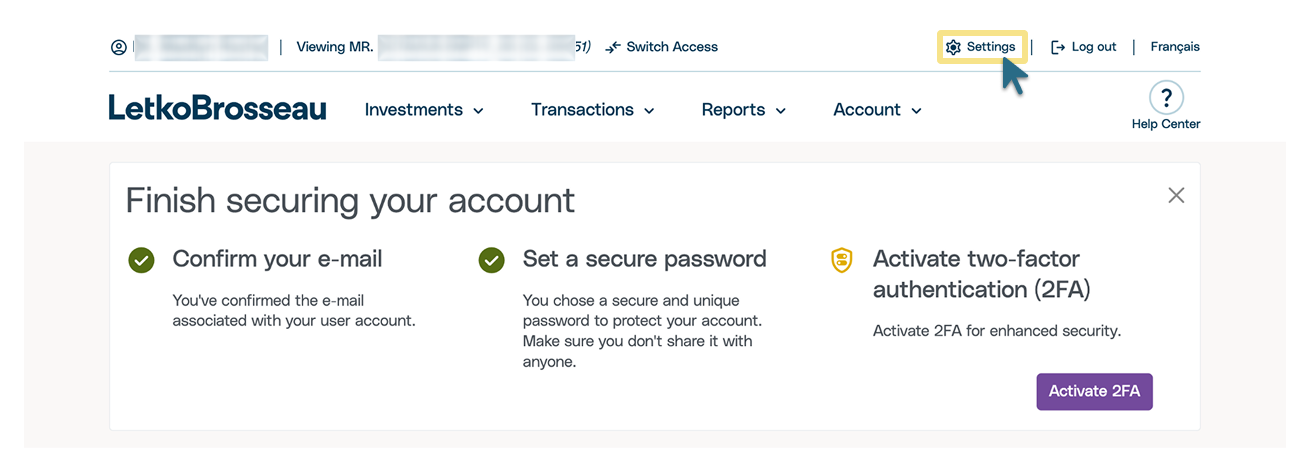
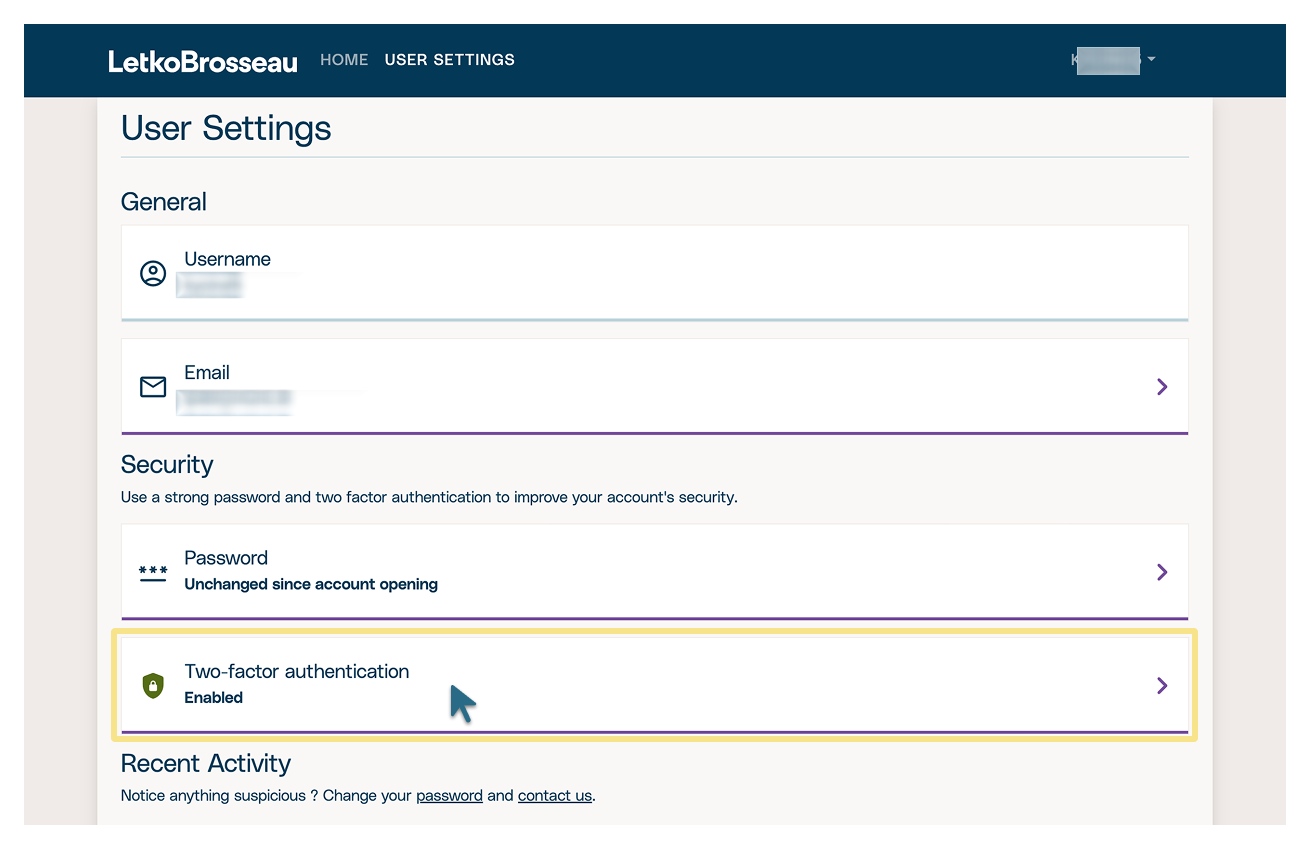
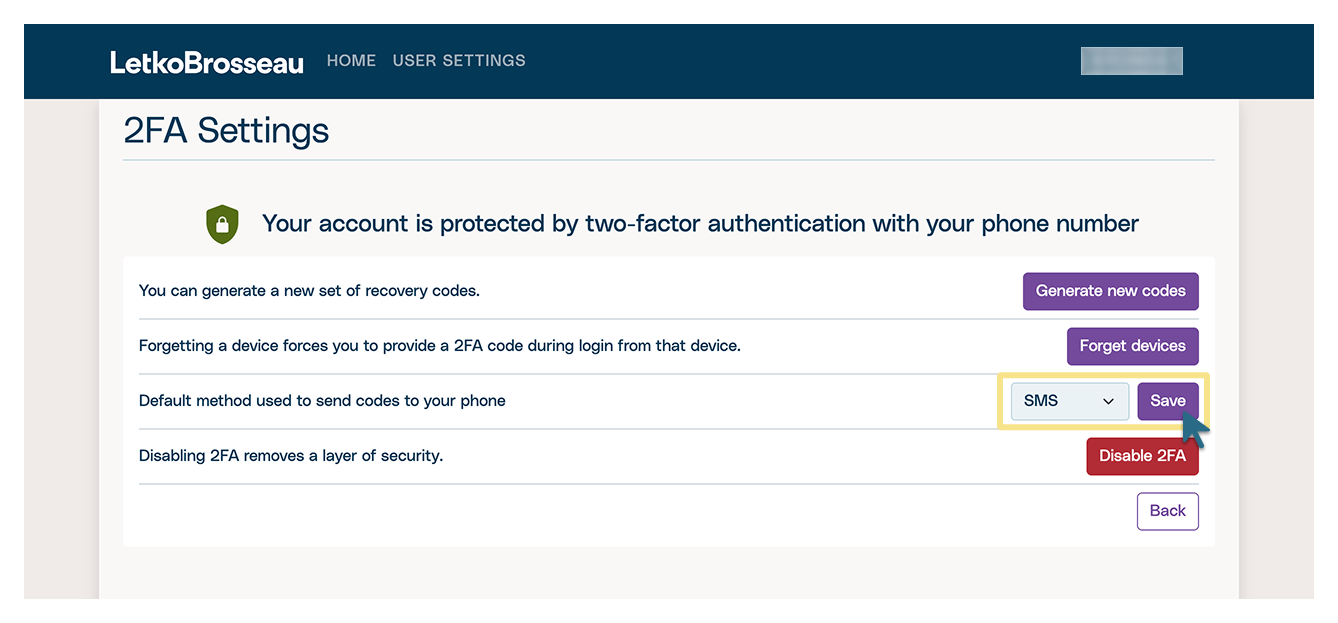
If 2FA is currently active on your account, but you would like to obtain your 2FA codes in a different way, you are in the right place.
The following sections will explain how to proceed depending on which situation you are in:
- Change from 2FA with text messages (SMS) to the phone call method (or vice-versa): You currently receive your 2FA codes by text message (SMS), but you would prefer to receive them by automated telephone call (or vice-versa).
- Change from 2FA with authenticator application to the text message (SMS) or phone call method: You currently open an authenticator application on your smartphone to find your 2FA codes and you would prefer to receive the 2FA codes by text message (SMS) or phone call.
- Change from 2FA with text message (SMS) or phone call to the authenticator application method: You currently receive your 2FA codes by text message (SMS) or phone call, but you would prefer to retrieve your 2FA codes from an authenticator application (such as "Google Authenticator" or "Microsoft Authenticator").